How to Choose the Best Industrial Touch Monitor for Your Needs?
In the rapidly evolving industrial sector, the demand for reliable and efficient technology is paramount. According to a report by Grand View Research, the global industrial touch monitor market was valued at $3.91 billion in 2022, with a projected growth rate of 9.7% from 2023 to 2030. This growth underlines the critical role of Industrial Touch Monitors in enhancing operational efficiency and reducing downtime in manufacturing environments.
Choosing the right Industrial Touch Monitor requires careful consideration of several factors. The market features a diverse range of products, each designed for specific applications and environments. For instance, monitors with high brightness levels are vital for outdoor use, while those with rugged exteriors are essential for harsh industrial settings. Understanding these variables is crucial in making a well-informed decision, yet many overlook these details.
Selecting the best Industrial Touch Monitor isn't straightforward. Companies often face challenges in aligning their needs with the product specifications available. Some monitors may excel in touchscreen responsiveness but lack in durability. This reflection is necessary to avoid costly mistakes and ensure investments yield the best return in demanding industrial operations.
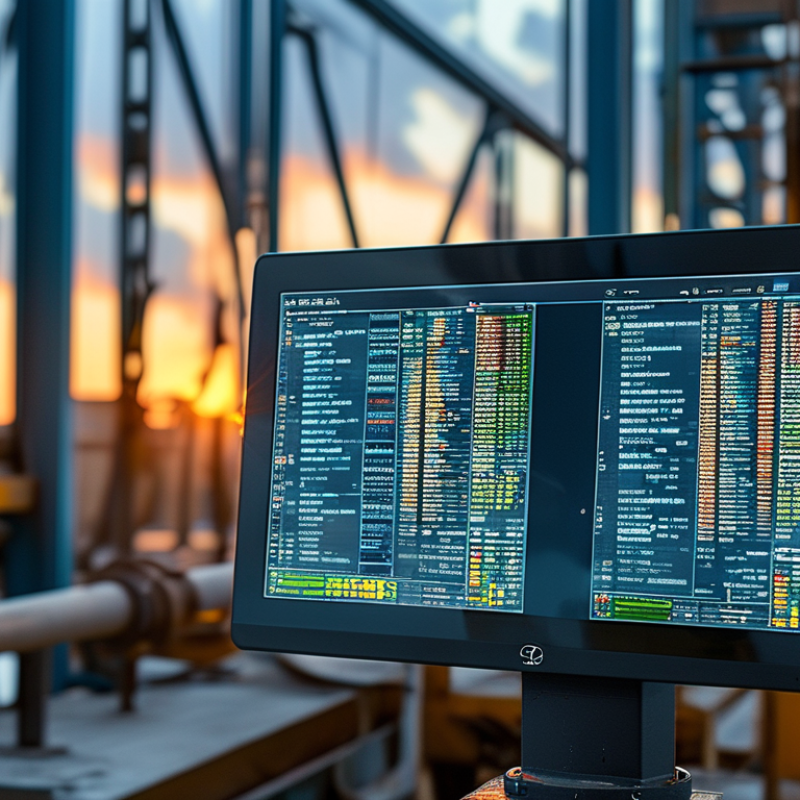
Factors to Consider When Selecting an Industrial Touch Monitor
When selecting an industrial touch monitor, several crucial factors must be considered to ensure it meets your specific needs. One vital aspect is the display size and resolution. According to a recent industry report, nearly 70% of users prefer monitors with a minimum resolution of 1920x1080 for clear visibility in industrial environments. Screen size impacts interaction, with larger screens facilitating better usability, especially in complex applications. However, one should also consider space constraints in the workplace, as a too-large monitor may lead to operational inefficiencies.
Another important factor is the monitor's durability and environmental resistance. Industrial settings often involve exposure to dust, moisture, and extreme temperatures. A significant percentage, around 40%, of industrial monitors fail due to inadequate protection against these elements. Selecting a monitor with an IP65 or higher rating can enhance longevity and reliability in demanding conditions. It's essential to balance ruggedness with functionality; overly robust monitors might lack the touchscreen sensitivity crucial for seamless operations. Evaluating the balance of these factors can be challenging, yet it is necessary for long-term satisfaction.
Understanding Different Types of Industrial Touch Monitors and Their Uses
Industrial touch monitors come in various types. Understanding their applications is crucial for making an informed choice. The three main types include capacitive, resistive, and optical touchscreens. Each serves distinct needs across industries.
Capacitive monitors offer a high level of sensitivity. They detect touch through the electrical properties of the human body. This makes them ideal for environments requiring quick responses, such as manufacturing lines. According to a recent industry report, capacitive touchscreens account for 55% of the market due to their versatility and durability.
Resistive monitors, on the other hand, are often used in environments with harsh conditions. They respond to pressure applied to the screen. This means they can be used with gloves or in wet conditions. While they are less common than capacitive models, they still have a significant share—about 30% of the industrial market. Understanding these differences is vital. Many organizations may overlook their specific requirements, leading to inadequate choices. Each application has unique challenges. The right monitor can improve efficiency and reduce errors.
Evaluating Performance Specifications: Resolution, Brightness, and Touch Sensitivity
When selecting an industrial touch monitor, it's essential to evaluate performance specifications like resolution, brightness, and touch sensitivity. A monitor's resolution affects clarity, making text and images sharper. For detailed applications, higher resolutions are crucial. Lower resolutions can lead to visual strain and reduce productivity. Aim for a balance that suits your specific needs.
Brightness plays a significant role in visibility. In environments with high ambient light, a brighter monitor is often necessary. Monitors with low brightness may be challenging to read. However, excessively bright displays may cause glare, making it hard to see details. Finding the right level takes experimentation.
Touch sensitivity is vital for responsive interaction. Monitors should recognize light touches and rapid swipes. Overly sensitive screens can lead to unintended inputs, causing frustration. A well-calibrated touch response improves user experience. Testing the touch functionality is critical before committing to a purchase. Consider all these factors carefully to make an informed decision.
How to Choose the Best Industrial Touch Monitor for Your Needs? - Evaluating Performance Specifications: Resolution, Brightness, and Touch Sensitivity
| Model | Resolution | Brightness (cd/m²) | Touch Sensitivity |
| Model A | 1920 x 1080 | 500 | 10 points |
| Model B | 1280 x 800 | 400 | 5 points |
| Model C | 1920 x 1200 | 600 | 20 points |
| Model D | 2560 x 1440 | 700 | 10 points |
| Model E | 3840 x 2160 | 800 | 15 points |
Assessing Environmental Durability: IP Ratings and Operating Temperatures
When selecting an industrial touch monitor, understanding environmental durability is crucial. IP ratings indicate a device's water and dust resistance. For instance, an IP67 rating suggests complete dust protection and can withstand temporary water immersion. Knowing these ratings helps you gauge whether a monitor can function reliably in harsh conditions.
Operating temperatures play an equally vital role. Many industrial monitors operate within specific temperature ranges, typically from -20°C to 60°C. If a monitor exceeds this range, it may malfunction or degrade quickly. It’s essential to assess the environment where the monitor will be used. Consider factors such as humidity and temperature fluctuations. Real-world testing in typical settings might yield insights that specs alone cannot provide.
Evaluating these elements requires experience and expertise. Users often overlook environmental factors, focusing only on screen size or resolution. However, neglecting durability aspects can lead to unexpected failures. Continuous monitoring of real-life performance is necessary to ensure longevity. Exploring customer feedback on durability can provide deeper understanding and aid in making informed decisions.
The Role of Connectivity Options in Industrial Touch Monitor Selection
When selecting an industrial touch monitor, connectivity options significantly impact functionality. In a 2023 report by Tech Insights, 68% of professionals noted that robust connectivity is essential for seamless integration within industrial settings. Common options include USB, HDMI, and Ethernet ports. These ensure that devices can communicate effectively, enhancing productivity.
Choosing a monitor with multiple connectivity options can offer flexibility. Some environments may require rapid connections to a variety of machinery. Others might benefit from wireless capabilities, enabling easier access to data. According to the Industrial Touch Monitor Association, almost 75% of manufacturers value monitors with flexible connectivity as a crucial feature. However, users often overlook the implications of compatibility issues. Ensuring that the touch monitor aligns well with existing systems is key.
Moreover, the rise of IoT in industrial applications amplifies the need for adaptability. A responsive touch screen that seamlessly integrates with IoT devices can boost operational efficiency. Yet, it’s vital to consider that not all monitors offer the same level of performance in diverse environments. Regular audits of technology compatibility are essential to prevent disruptions.